How & why Hark
How Hark works, without ever touching your email
Hark is newsletter-based on purpose. Our editors constantly scour for the best journalists writing the most informed, highest-quality news, and every morning we distill their newsletters into one five-minute spoken newscast. Not generic AI news. Not RSS feeds or aggregators. And none of it ever goes near your personal email.
Free for a week, then $8 a month. Card required to start, charged only when the trial ends — cancel anytime.
Step 1
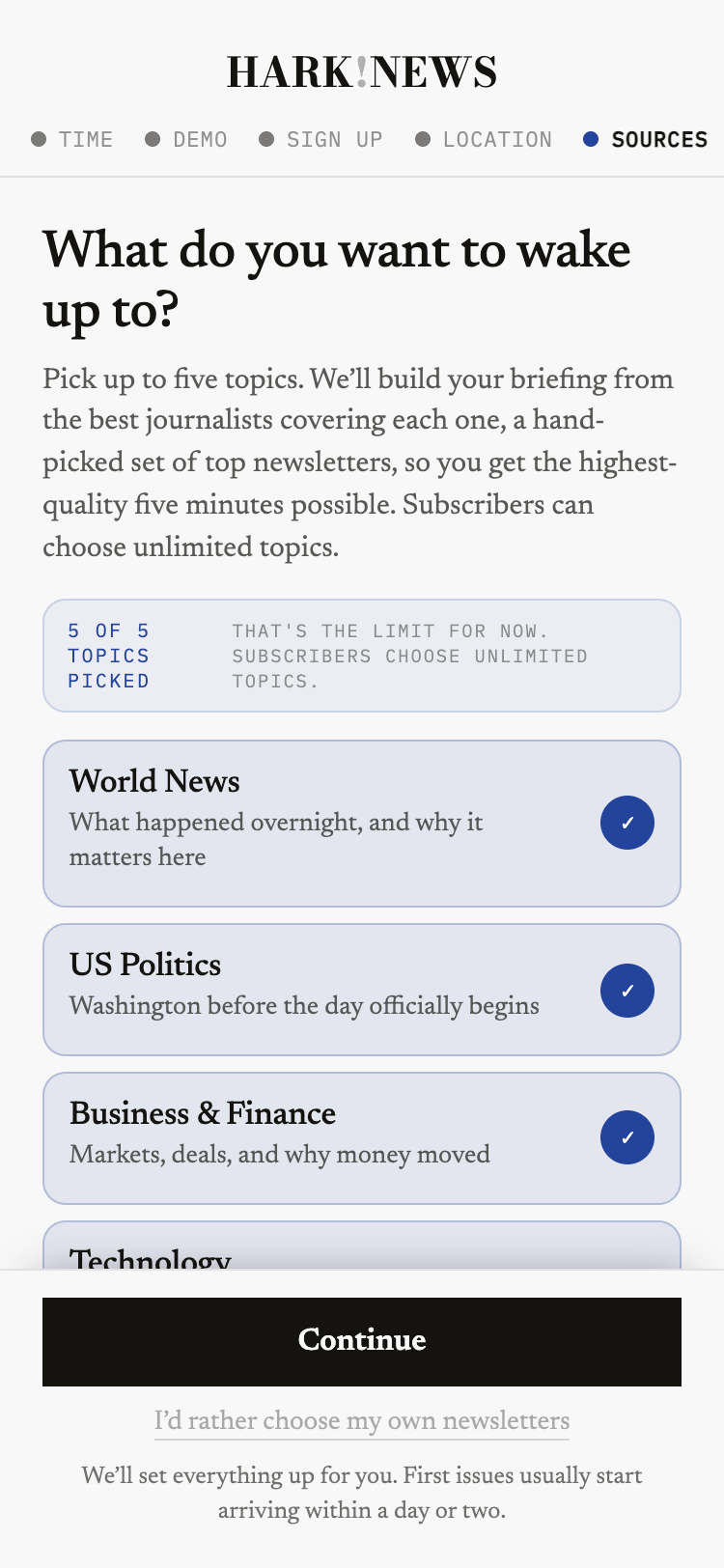
Pick your topics
Finance, sports, tech, politics, whatever you care about. For every topic, our editors have already found the best newsletters, so choosing a topic is choosing great journalism without doing any of the research. Love particular newsletters already? Add them by name. Want out of one of ours? Remove it anytime.
What this gives us
A list of topics, or newsletters, you chose.
What it doesn't
Anything at all about your email.
Step 2
Your own private Hark address
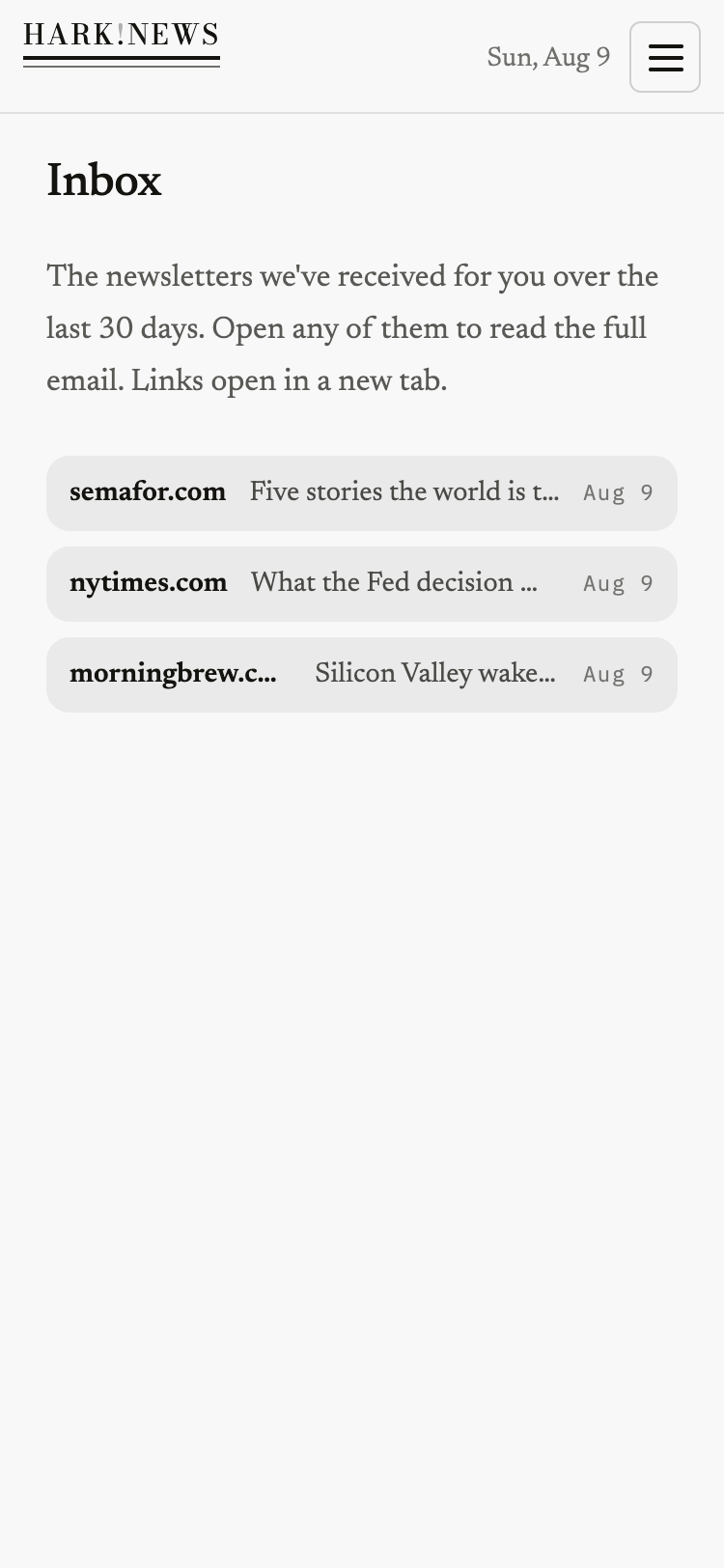
We create an address that is yours alone, a PO box just for newsletters, and subscribe it to the ones you picked. The newsletters arrive there, at Hark, addressed to you, with a simple inbox in your account whenever you want to read an original issue. Your personal inbox gets nothing: no newsletter pile-up, no unread guilt, no cleanup later. And because you never connect your email, there is no permission to grant and none to revoke. No connection exists.
What reaches us
Issues of the newsletters you are subscribed to, at your private Hark address.
What never does
Your personal email. It lives wherever it lives, Gmail, Outlook, anywhere, untouched.
Step 3
We distill, you listen
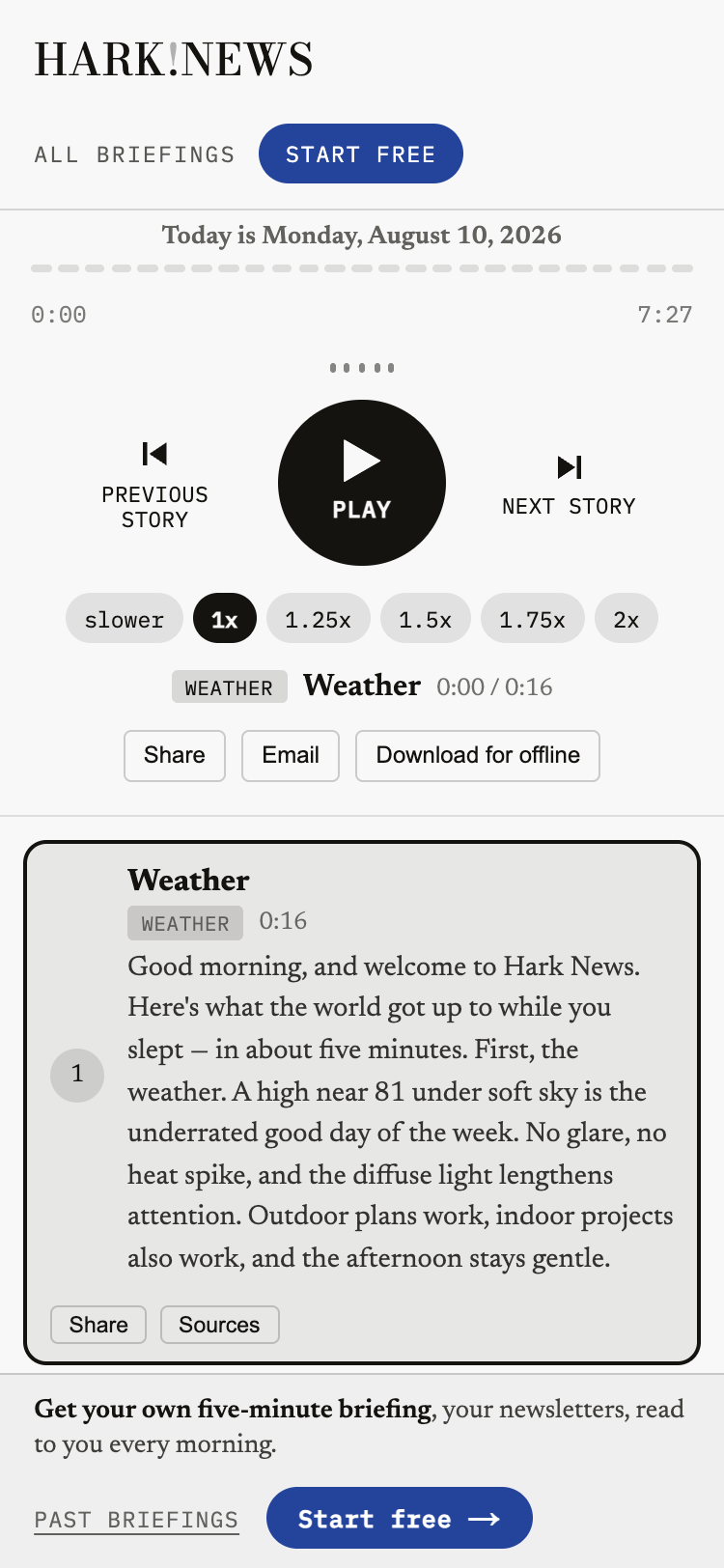
Every morning we read what arrived, keep the journalism, drop the promotions, dedupe the stories every outlet covered, and note where the sharpest writers disagree. Then a real anchor voice reads you the day in five minutes (or fifteen, if you want depth), delivered as a single text with a link. Every story links straight to the full article it came from.
Always
Always personalized
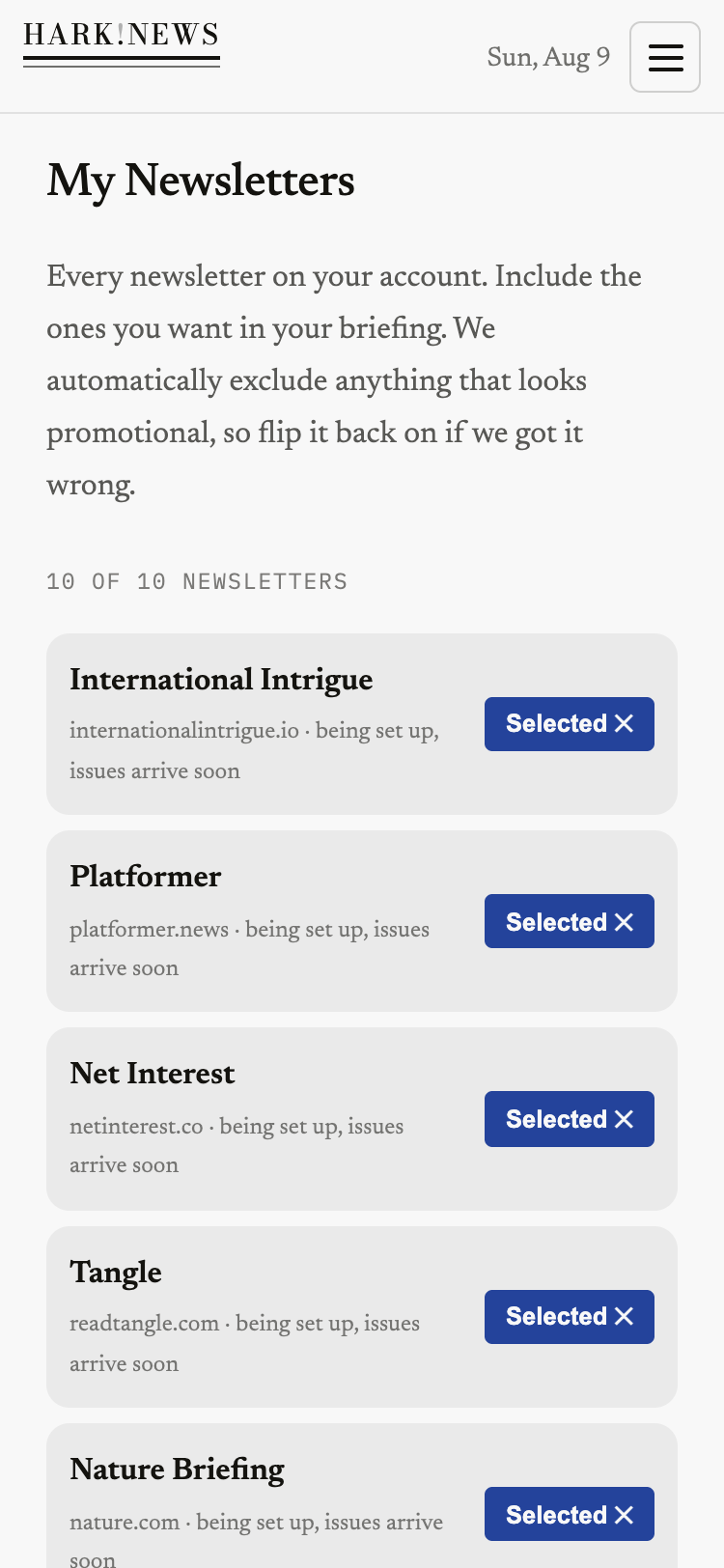
You completely control your news sources and topics, always. Every newsletter feeding your newscast sits in one list in your account: switch any of them off, switch them back on, add new ones from our editors' picks, or search for a favorite we don't carry yet and we'll get it for you. Your newscast follows your list the very next morning. Already subscribe to newsletters you love, including paid versions? Simply follow our self-guided wizard to set up autoforwarding and filtering in your Gmail to combine newsletters you choose in Hark with those landing in your personal inbox for the most comprehensive daily audio digest.
What we keep, and for how long
Your newsletters stay readable in your account for 30 days, so you can always open the original issue behind any story, then they are deleted. Promotional mail is deleted the moment we classify it. We never sell your data and never train AI models on your content.
“The best journalism, read to you in five minutes, and your personal inbox never knew it happened.”
Free for a week, then $8 a month. Card required to start, charged only when the trial ends — cancel anytime.